
Search Oconee County Traffic Court Records
The main statewide citation tool is the South Carolina Judicial Branch Traffic Ticket Search. It is used for tickets issued in South Carolina Summary Court and also includes some Municipal Court traffic ticket records. For Oconee County traffic court records, that means many Magistrate Court tickets can be searched there, and some municipal tickets may appear when the city court participates in statewide case management. If the citation does not appear, the next step is the issuing Oconee magistrate or municipal court.
The official ticket search supports three paths: citation number, driver's license, or name and date of birth. The SC.GOV payment instructions also state that tickets can take 3 to 5 business days to be logged in the system. A new ticket may be valid even when the online search says no record was found. Enter the ticket or case number without spaces, and use the exact court or municipality when the payment screen asks for it.
The South Carolina Traffic Ticket Search screenshot in the project image set shows the public search point for citation, license, and name searches.
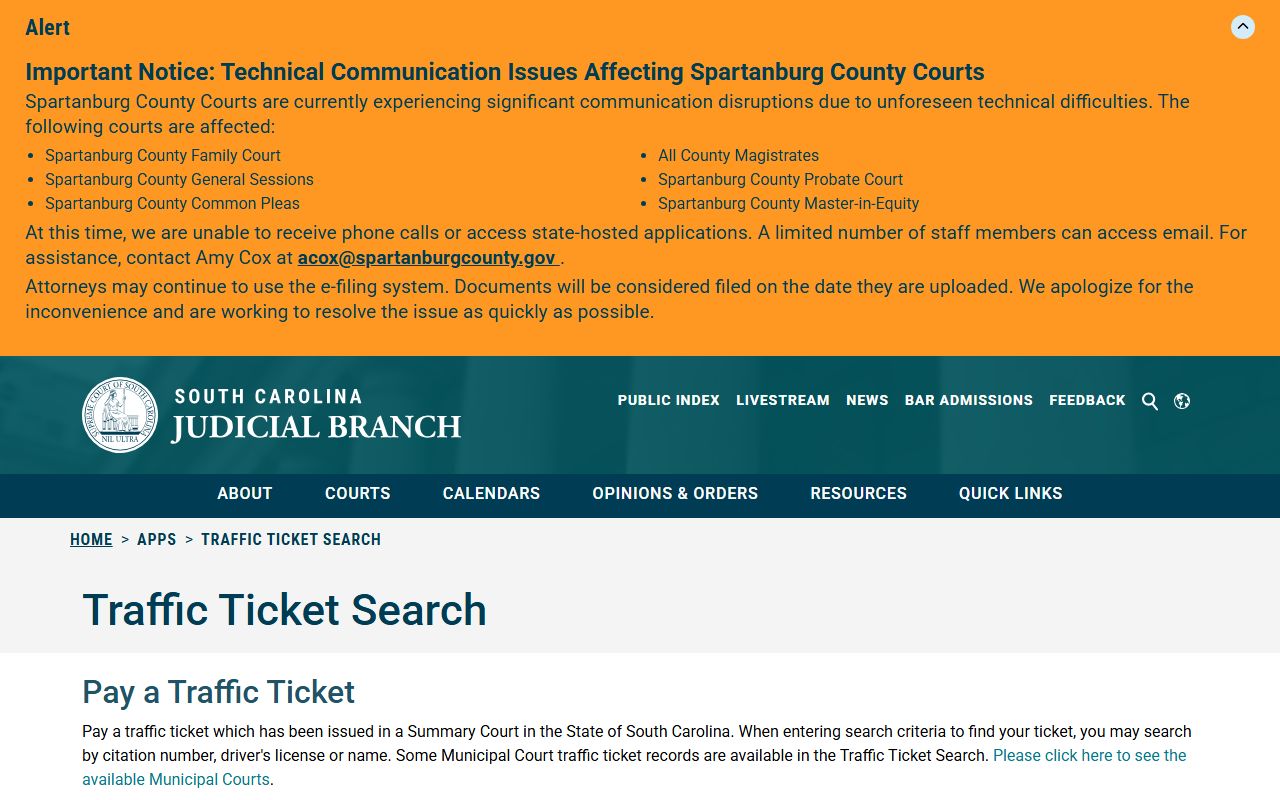
That search is useful for court-side citation status, but it does not replace the SCDMV driver record for license points or reinstatement issues.
- Open the Traffic Ticket Search and choose citation number, driver's license, or name search.
- Enter the citation number exactly as printed, or enter the driver's license state and number.
- For a name search, use first name, last name, and date of birth.
- Review the court, charge, case or ticket number, court date, balance, and payment status if a match appears.
- Pay online only if the case is eligible, or contact the listed court to contest the ticket or request a copy.
Oconee County Traffic Courts
Oconee traffic cases split between county Magistrate Court and Municipal Court. The county magistrates hear traffic cases, lower criminal cases, warrants, bonds, and preliminary hearings. City courts handle city-limit traffic and criminal cases. Seneca Municipal Court states that all traffic and criminal cases inside Seneca city limits are handled by the Municipal Court, while civil matters such as evictions and small claims go to Magistrate Court.
Municipal online coverage is not the same for every Oconee city. The June 4, 2026 municipal inclusion list for statewide case management included Seneca Municipal Court, West Union Municipal Court, and Westminster Municipal Court for Oconee. Salem and Walhalla are official Oconee municipal courts, but the traffic-ticket help material did not list them in that statewide Public Index group. A Salem or Walhalla ticket may require direct contact with that court if the statewide search has no result.
| Court | Traffic Cases Handled | Address |
|---|---|---|
| Seneca Magistrate | County summary traffic and lower criminal matters | 207 East North 1st Street, Suite A, Seneca, SC 29678 |
| Walhalla Magistrate | County summary traffic, bond, and magistrate matters | 208 Booker Drive, Walhalla, SC 29691 |
| Westminster Magistrate | County summary traffic and lower criminal matters | 1606 East Main Street, Westminster, SC 29693 |
| Seneca Municipal Court | Traffic and criminal cases inside Seneca city limits | 225 East North First Street, Seneca, SC 29678 |
| Walhalla Municipal Court | Municipal traffic and criminal cases inside Walhalla | 101 East Main Street, Walhalla, SC 29691 |
Oconee County Traffic Search Fields
The citation portal is field-driven. Citation number is usually the cleanest method because it points to one ticket. Driver's license search can help when the citation number is hard to read, but it requires the license state. Name search requires date of birth, which reduces false matches. If no result appears, check spacing, court selection, and the 3 to 5 business day posting window before assuming the ticket is not filed.
| Search Mode | Field Label | Required | Notes |
|---|---|---|---|
| Citation | Citation Number | Yes | Maximum length 20; input is transformed to uppercase. |
| Driver's License | Driver's License | Yes | Maximum length 20; used with the license state dropdown. |
| Driver's License | State | Yes | State selector includes South Carolina and other U.S. states. |
| Name | First Name | Yes | Maximum length 20. |
| Name | Last Name | Yes | Maximum length 20. |
| Name | Date of Birth | Yes | Browser date field with birthday autocomplete. |
What Oconee County Traffic Records Show
A court traffic record is the local case file for the citation. It can show the ticket or case number, court, charge, court date, disposition, payment status, fines, and court actions. Public Index case detail may also show actions, financial information, fines, fees, and payments when the record is available through the court system. The Clerk of Court is not the main payment point for routine magistrate or municipal tickets, but broader court-record searches still use South Carolina court systems and the court that filed the case.
Oconee County traffic court records should not be read as a full driving history. They can show what happened to one citation or court case, not every conviction, out-of-state posting, suspension, or license-restoration step. For license status, points, and reinstatement, use SCDMV.
| Field | What It Shows |
|---|---|
| Citation or Case Number | The court identifier used to search, pay, or contact the issuing court. |
| Court | The magistrate or municipal court that filed or is handling the ticket. |
| Charge | The traffic offense or related statute listed on the citation. |
| Court Date | The appearance date or scheduled hearing if the case is not resolved by payment. |
| Disposition | The court outcome, such as paid, dismissed, amended, or other case status when posted. |
| Financial Information | Fine, fee, payment, and balance information when the court system exposes it. |
Pay or Contest Oconee County Tickets
Oconee Magistrate Court says traffic tickets may be paid online at the SC State Website and case status may be checked through the SC State Judicial Website Quick Links record search. Magistrate tickets may also be paid with money orders or certified checks payable to the court, or with cash. Personal checks are not accepted. Municipal payment rules can vary by city, so a municipal ticket should be checked with the city court when the statewide payment path does not locate it.
The SC.GOV traffic-ticket payment page describes a simple payment sequence: select the county or municipality, enter the case or ticket number without spaces, click Locate Case, confirm payment, and enter cardholder information. If the message says no record was found with the last name and case number, contact the issuing county or municipality rather than trying unrelated courts.
The SC.GOV payment instruction page is captured in the traffic image set because it explains the online ticket-payment path.
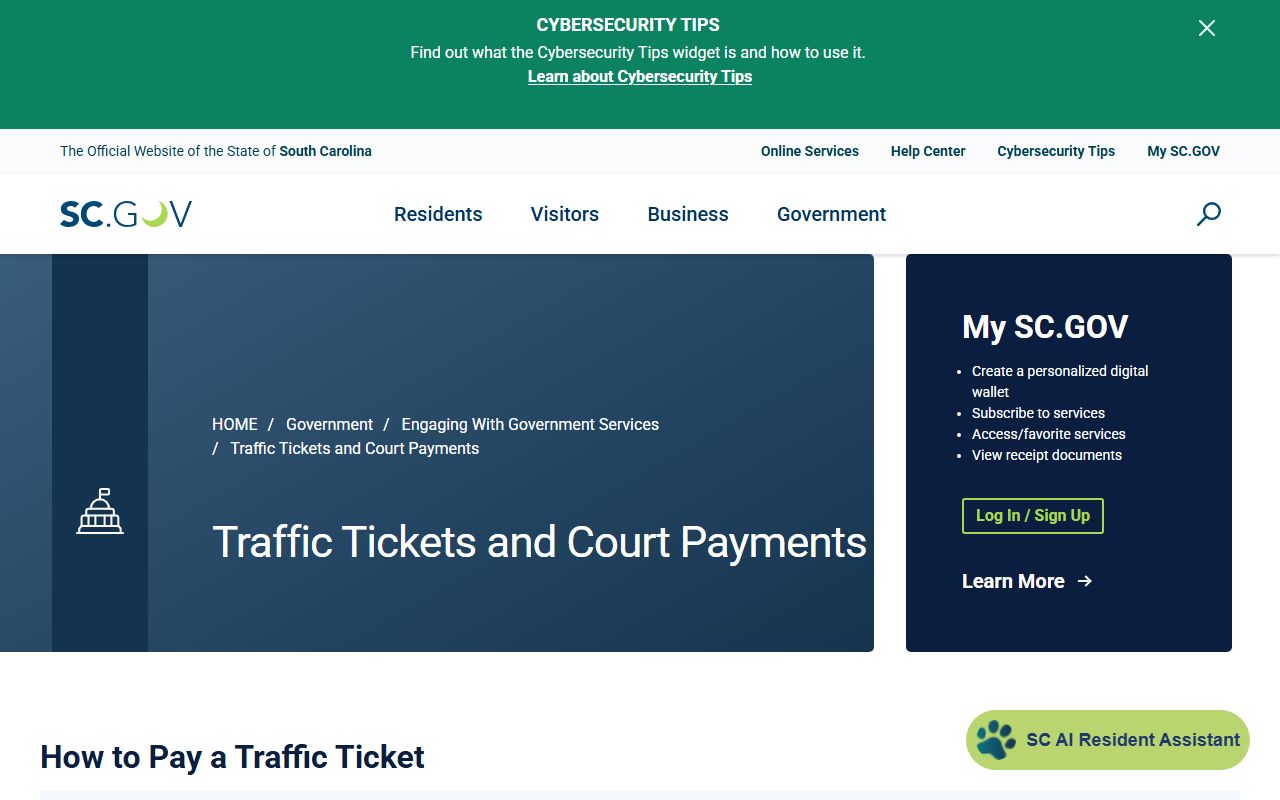
Payment can resolve the court balance, but it does not always prevent SCDMV points or license action.
- Read the ticket and identify whether the issuing court is magistrate or municipal.
- Wait 3 to 5 business days if the ticket is new and does not appear online.
- Use the ticket or case number without spaces in the state payment screen.
- Pay only if the online result matches the driver, court, and citation.
- To contest the ticket, contact the issuing court before the court date or appearance deadline.
Traffic Court Records vs Driver Records
The court traffic record and the SCDMV driver record are different files. The court record is the citation case. It answers whether a ticket was filed, where it was filed, what charge was listed, and how the court handled payment or disposition. The state driver record is the license record. It tracks convictions, points, suspensions, license status, and out-of-state convictions sent to SCDMV.
The SCDMV driving-record page offers a free online points summary, plus three-year and ten-year driving records for purchase. Another driver's full report requires consent or a permissible Driver's Privacy Protection Act reason, such as government use, court proceedings, investigations, insurance, or commercial driver verification.
The SCDMV driving-record page image helps separate the state driver-history channel from the county traffic court file.
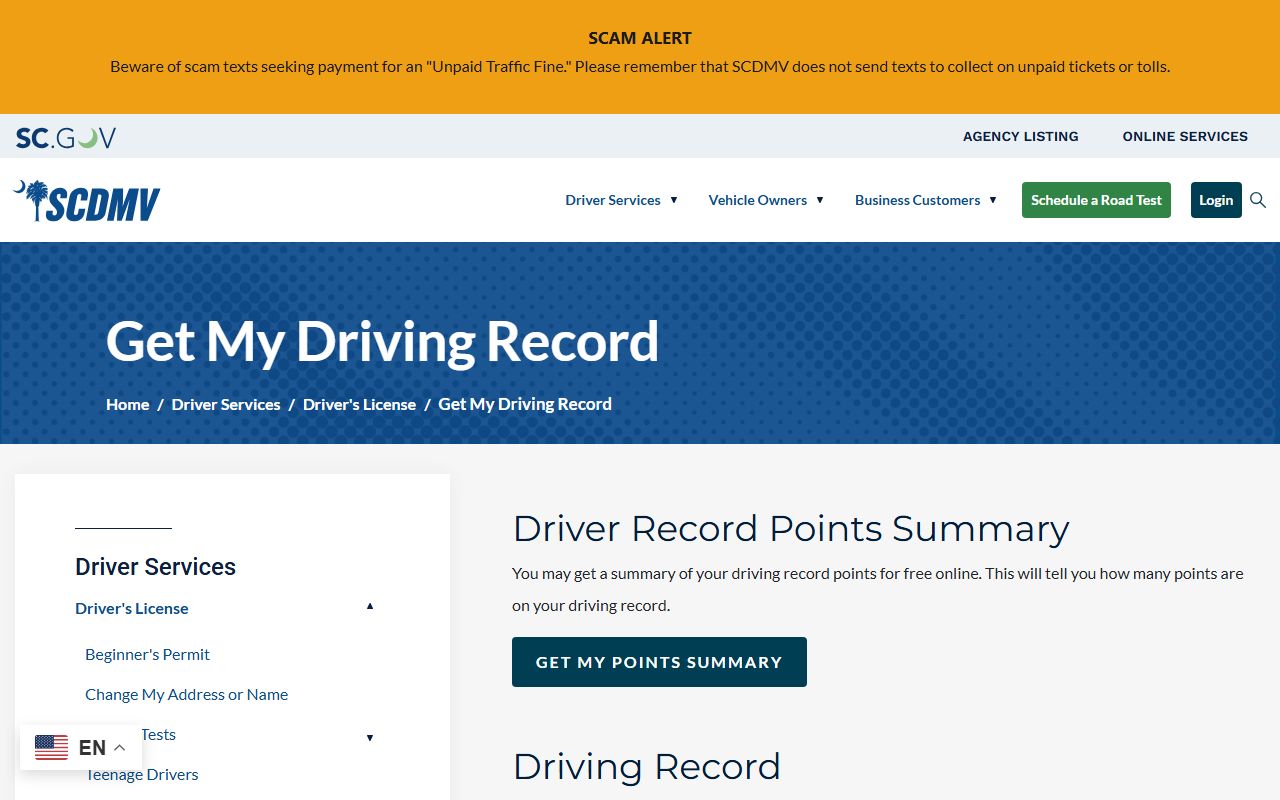
Use the court for citation status and the SCDMV for points, suspensions, and license-history questions.
| Topic | Court Traffic Record | State Driver Record |
|---|---|---|
| Source | Magistrate Court, Municipal Court, Public Index, or Traffic Ticket Search | South Carolina Department of Motor Vehicles |
| Shows | Citation, charge, court date, disposition, fine, payment, and court status | Convictions, points, suspensions, license status, and posted out-of-state convictions |
| Access | Traffic Ticket Search, Public Index, or the issuing court | SCDMV online driver services and driver-record transactions |
| Error correction | Contact the court that entered the citation or disposition | Contact SCDMV if the court disposition posted incorrectly to the license record |
Oconee County Traffic Points and CDL
South Carolina traffic convictions, including out-of-state convictions reported to South Carolina, can be posted to the driver record with points. SCDMV states that points are reduced by half after one year from the violation date. An 8-hour National Safety Council or equivalent course may reduce points if it is taken in South Carolina, after points are assessed, and only once in a three-year period.
Commercial drivers should treat a traffic citation as both a court case and a license-risk event. The research found that another driver's full SCDMV report can be released only with consent or a permissible reason, and one listed reason is CDL business verification. That means the driver-record side may matter to employers or licensing even when the ticket began in an Oconee magistrate or municipal court.
The SCDMV points-system page image supports the points and defensive-driving rules tied to traffic convictions.
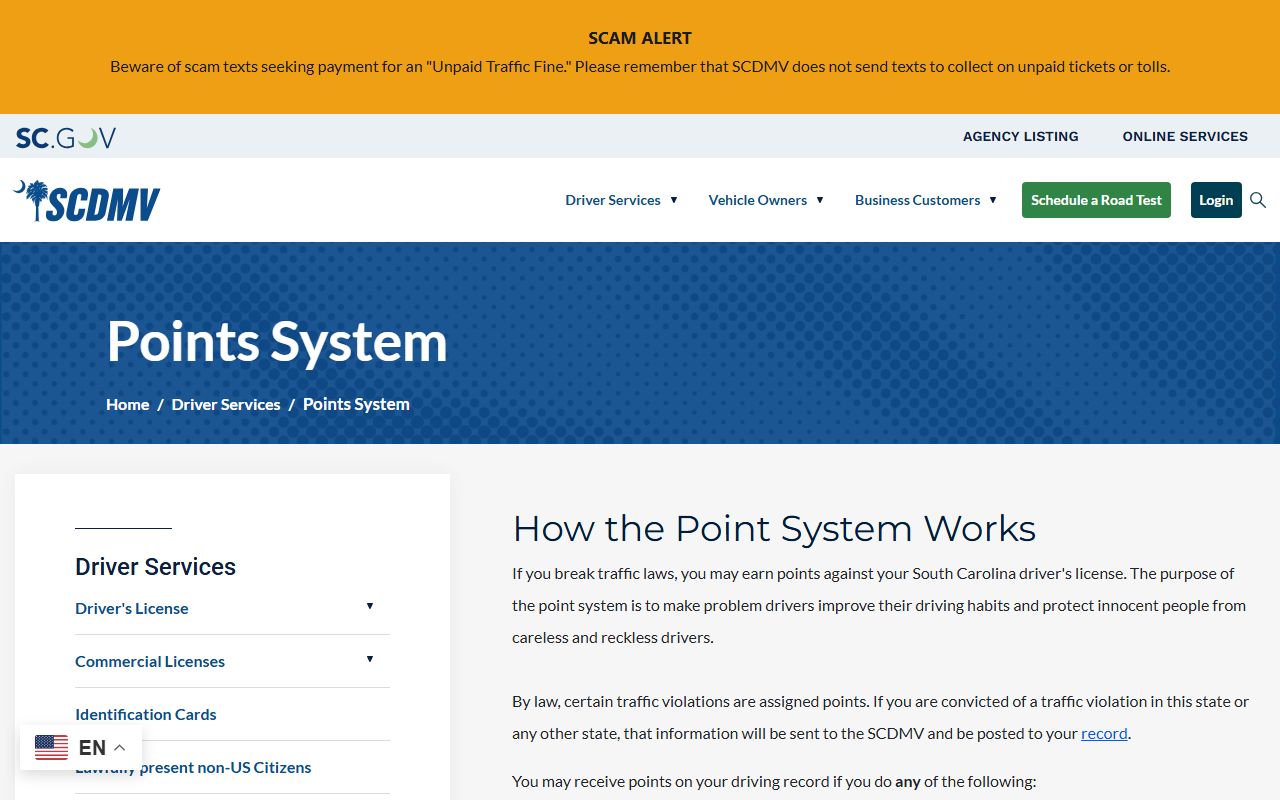
A point reduction course does not erase the court traffic record; it affects the SCDMV points side when the SCDMV rules are met.
Note: A paid ticket can still affect the SCDMV driver record if the court disposition posts as a conviction.
DUI and License Reinstatement
DUI and DUAC matters can begin in a traffic-related setting, but they should not be treated as routine traffic tickets. They may involve criminal prosecution, license suspension, implied-consent issues, provisional-license rules, route-restricted licenses, and later reinstatement steps. For the court case, the full criminal file belongs with Oconee County criminal court records rather than a simple payment-only traffic ticket.
SCDMV notes license-reinstatement changes effective May 19, 2024 for DUI/DUAC provisional-license and BAC .15 or implied-consent route-restricted-license issues. SCDMV also ran Driver Suspension Eligibility Week from April 7 through April 11, 2025 for specific suspension categories, but the research notes no fines or fees were waived. Eligible categories included driving under suspension excluding alcohol or drug-related convictions, excessive points for a minor, operating an uninsured vehicle not owned by the driver, and operating an unlicensed taxi.
The SCDMV license-reinstatement page image belongs with traffic records because court outcomes can lead to driver-license consequences.
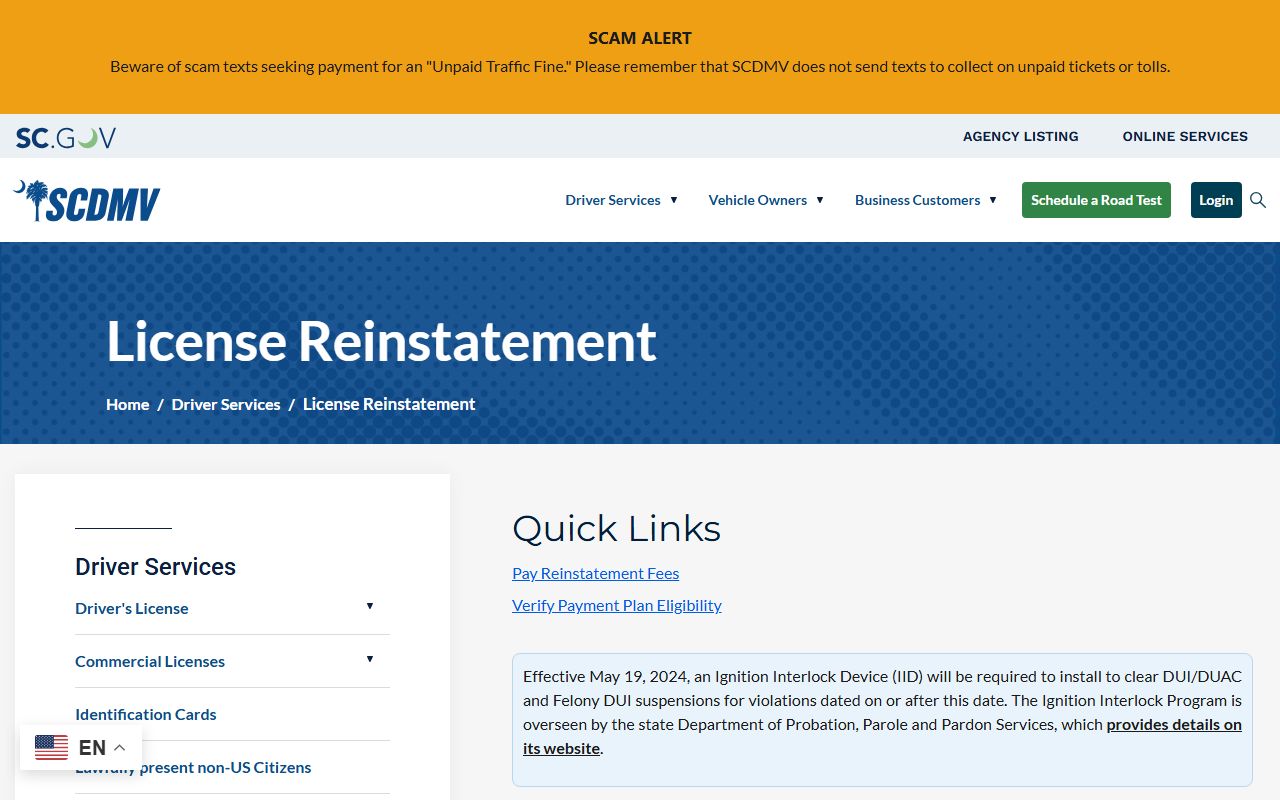
For DUI charging, plea, and sentencing records, use Oconee County criminal court records along with SCDMV reinstatement information.
Oconee County Traffic Access and Fees
Traffic court records are public court records unless a specific restriction, sealing order, expungement, juvenile rule, or redaction law applies. S.C. Code Section 30-4-30 allows inspection or copying of public records unless an exemption applies, and court access also depends on court rules and the system holding the record. For bulk or compiled judicial-record information, Rule 610, SCACR may require Court Administration authorization.
When a traffic record is unavailable online, contact the issuing court. For crash reports or law-enforcement reports related to the stop, use the law-enforcement agency or Sheriff FOIA process, not the court payment portal. Oconee's county FOIA page routes Clerk and Court Administration requests directly to those offices, and traffic citation copies should start with the court that handled the ticket.
| Item | Known Amount or Rule |
|---|---|
| Traffic Ticket Search | No search fee listed in the research. |
| Magistrate ticket payment | Fine and court costs depend on the citation and court disposition. |
| In-person magistrate payment | Money order, certified check, or cash; no personal checks. |
| SCDMV points summary | Free online points summary. |
| SCDMV driver record | Three-year and ten-year records can be bought online; amount was not captured in the research. |